Garrisonbet login – accessing your account
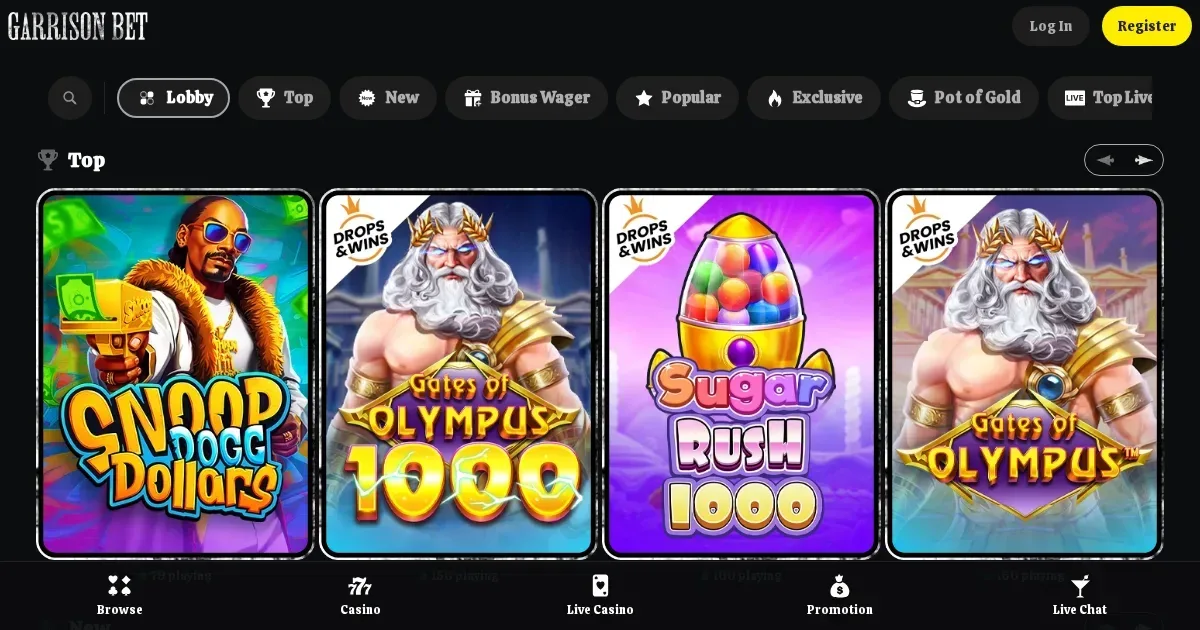














Looking to sign in to your casino account? Garrisonbet operates its own platform where players manage deposits, withdrawals, bonuses and game history. This page explains how the login process works, what to do when access fails, and where to turn for help – but the actual account sits with the operator, not with us.
We run an independent information portal. We cannot access player accounts, reset passwords, lift verification holds or unblock restricted profiles. Those requests go directly to the operator's own support team.
When an account gets blocked
Several situations prevent access, and not all of them are errors. A self-exclusion lock is deliberate: if you closed your account under the operator's voluntary self-exclusion tool, the block remains until the period you selected has elapsed. Attempting to log in before then will fail, and that is the intended outcome.
Accounts also freeze during identity verification. Garrisonbet requires full KYC when deposits exceed EUR 2,000 in total, when any withdrawal is requested, or when a transaction is flagged. You have 14 days from the request to upload a government-issued photo ID, a selfie holding that document, and proof of residence. Until verification clears, the account stays restricted.
Regional restrictions are another cause. Players residing in one of the operator's prohibited countries – including the United Kingdom, the United States, the Netherlands, Sweden and roughly 20 others listed in the terms – cannot register or sign in, even with a VPN. The operator's geolocation systems detect encrypted connections, and the terms state clearly that winnings may be forfeited if this rule is bypassed.
Less common but still real: chargebacks, multiple accounts from one address, or documents the operator considers forged. Any of those can result in a permanent block, not a temporary hold.
Signing in at Garrisonbet
The sign-in control sits on the operator's own domain. You need the email address and password you provided during registration. The process itself is standard: locate the login link, usually at the top right of the homepage, enter your credentials, and submit.
Case sensitivity matters. Passwords distinguish between uppercase and lowercase, and caps lock is the most frequent cause of a refused login. Browser autofill sometimes populates a field with an outdated password, particularly if you have changed it recently and the browser cached the old one.
On a phone, the route is identical – the operator runs a browser-based platform rather than requiring a download, so the same login page appears whether you are on a laptop or a mobile device. There is no separate app sign-in to remember.
Recovering a forgotten password
The operator provides a password-reset mechanism on its own site. Look for a "Forgot password" or similar link near the login form. You will be asked for the email address tied to your account. The operator then sends a reset link to that inbox.
Check your spam folder if the email does not arrive within a few minutes. Some providers flag automated messages from casino platforms. The link itself typically expires within an hour or two, so act promptly once it lands.
Never send a password to anyone claiming to recover it for you, and never respond to unsolicited messages offering account restoration. The operator's legitimate reset process is always self-service and never asks you to share a credential with a third party.
Common reasons a login fails
Wrong credentials top the list, but other causes appear often enough to check:
- The account was never verified after registration. Some operators restrict access until email confirmation is complete.
- You are attempting to sign in from a prohibited country. Garrisonbet blocks access from the UK, the US, the Netherlands, Sweden, Afghanistan, Belarus, Cyprus, Estonia, Iran, Iraq, Israel, Lithuania, Malta, Moldova, Myanmar, Romania, Russia, North Korea, Ukraine (including Crimea), Cote d'Ivoire, Armenia, Georgia, the Netherlands Antilles, and all FATF-blacklisted jurisdictions.
- A browser extension or a strict privacy setting is blocking cookies. The platform needs session data to keep you signed in.
- Your account is flagged for KYC and locked until documents are provided.
- The account hit a dormant-account status. Garrisonbet charges a €10 monthly fee on balances left untouched for 12 consecutive months, and the account may be restricted if the balance has been fully deducted.
Clear your browser cache and try again before assuming the issue is on the operator's end. Many login failures resolve with a simple refresh.
Who to contact for help
Account access, password troubles, verification delays and withdrawal holds all belong to the operator's support team. Garrisonbet provides email support at [email protected]. Response times are not published in the terms, so allow at least 48 hours for a reply.
For self-exclusion matters specifically, the operator lists a separate address: [email protected]. Use that channel if you want to extend a cooling-off period or discuss reopening an account after a voluntary closure.
We cannot process those requests on the operator's behalf. Our inbox – [email protected] – handles questions about the content on this portal, not player-account issues. Sending an account query to us only delays the answer you need.
Protecting your account
Once you are signed in, a few straightforward habits keep the account secure. Never share your password, even with someone claiming to be from support – the operator never asks for it. Change it immediately if you suspect it has been compromised.
Log out when using a shared or public device. Browser sessions can persist for hours, and anyone using that machine afterward may access your balance and betting history. If you have enabled any deposit or stake limits through the operator's responsible-gambling tools, those settings take 24 hours to modify – a safeguard against impulsive changes, but one worth knowing if you attempt to adjust them and see no immediate effect.
Responsible gambling and account access
Gambling is entertainment, not an obligation. If signing in feels compulsive rather than enjoyable, or if you find yourself chasing losses, take a step back. Garrisonbet offers voluntary self-exclusion and stake limits – tools you can activate from within your account settings.
In the UK, free confidential support is available through GamCare (National Gambling Helpline: 0808 8020 133, 24/7) and BeGambleAware. GamStop provides national self-exclusion across UK-licensed operators. Blocking software such as Gamban and BetBlocker (free, works across devices) can prevent access to gambling sites at the network level.
You must be 18 or over (18+) to hold an account with any online casino. If a device in your household is shared with someone younger, consider parental-control software such as Net Nanny or Qustodio to restrict access.
This page is for information and marketing purposes only. We are not a casino operator, bookmaker or organiser of gambling. Access to this content is restricted to persons aged 18 and over (18+). For free, confidential support with gambling, visit BeGambleAware.org.
Game Providers